Blog Details
Does Facetime Work With Data Only Esim?
FaceTime Works With a Data Only eSIM
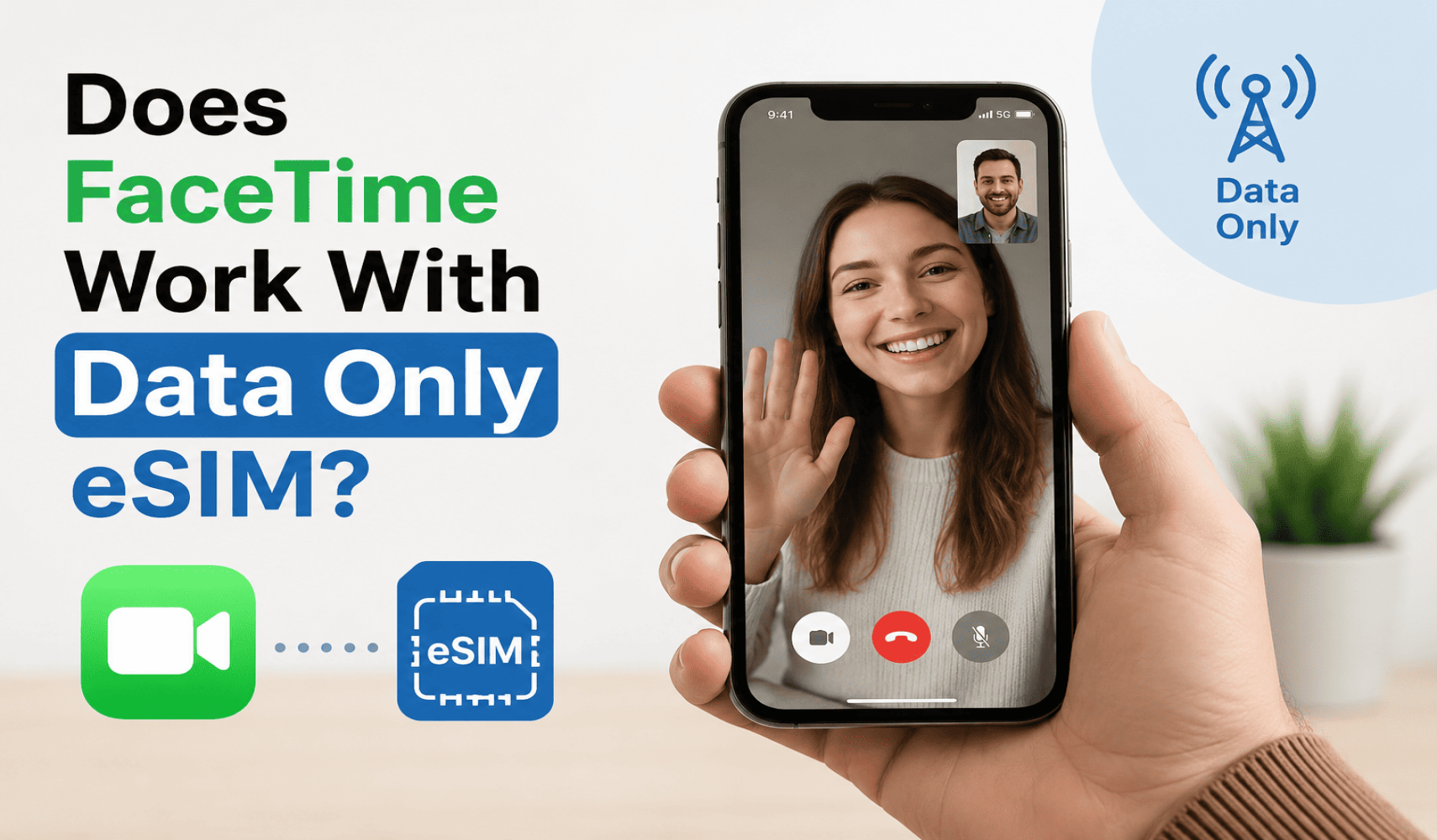
Travelers and people who work remotely usually prefer using data only eSIMs to stay connected. However, many people still ask does FaceTime work with data-only eSIM. Simply, FaceTime do work with data only eSIM as it requires an internet connection only to work. If your eSIM has mobile data and your device is connected to a working internet, FaceTime will work properly as it does on Wi-Fi.
What actually Is a Data Only eSIM?
A data only eSIM is helpful to use internet anywhere without any hassle on your phone. However, it does not support regular voice calls but you can definitely use apps like FaceTime and WhatsApp using internet.
The data-only eSIMs are popular because these are easier to setup. Even more these offer great performance anywhere worldwide which make them effective especially for frequent travelers. You don’t have to pay roaming fees anymore if you are using data-only eSIM. You can get any prepaid data plan from your phone without any additional charges and stay connected wherever you are.
A data-only eSIM works great for both video and voice calls since apps like FaceTime use internet data to make calls.
FaceTime Only Needs Internet
FaceTime is a popular internet calling application which most of Apple users use to stay connected using the internet. This application does not require traditional phone network to be used unlike normal calls do.
Instead, it connects through internet data. This means you can use FaceTime on:
- Wi-Fi
- Mobile data
- Hotspots
- Data-only eSIM plans
FaceTime will work effectively as long as your phone has an access of internet even if it is via data-only eSIM. This is the key reason why travelers and remote workers prefer using FaceTime for staying connected easily with prepaid data-only eSIM.
How Can You Set Up the FaceTime with a Data Only eSIM?
It is very easy to set up FaceTime with your data-only eSIM.
- Firstly, your eSIM should be on and data should be functioning. It can be verified by opening a browser and making a quick search.
- Sign into the application using your Apple ID. Your application should be enabled.
- You can also use your email address to send and receive calls on FaceTime if your phone number is not linked to the eSIM.
- FaceTime will use the available data automatically once your internet is on.
Is FaceTime Quality Good on eSIM Data?
The quality of FaceTime depends on the strength of your internet connection. If your eSIM is connected to a strong network, you will experience clear and smooth audio and video calling experience with FaceTime.
However, calls might get a little blurry or lagged if you are traveling a far place where data signals are weak. And, this thing usually happens with our regular mobile data too.
You should check your signal strength before important calls. It would be better to use a spot with better coverage for a better experience whenever possible.
Data-Only eSIMs are Better for FaceTime Users
You can get FaceTime calls even if your eSIM does not have a phone number. People can call you using the email connected to your Apple ID. FaceTime can work great with eSIMs.
Data-only eSIMs are best option for travelers, students, and remote workers who want to stay connected without paying extra charges. These eSIMs are easier to activate and use on the go.
Many travelers now use these eSIMs for internet calling applications instead of connecting through regular phone calls. FaceTime will be a simpler method of keeping in touch with family, friends, and even colleagues with a data-only eSIM.
Final Thoughts
FaceTime works really well with a data-only eSIM because it uses only internet data. You don’t need regular voice minutes or text messages to make calls. As far as your eSIM provides you with a stable internet connection, you can make a quality video and audio call anywhere.
FaceTime is an easy and trusted method of remaining connected with the people who count especially when you are traveling or working remotely.
How Do I Know If My Phone Supports eSIM?
19 Jul 2026
Does iPhone 13 Support eSIM?
19 Jul 2026